Prismy vs Lokalise:
The AI-Native, Git-Friendly Lokalise Alternative
AI-native l10n with translations that live in your repo, not in a third-party platform. No add-on pricing. No manual imports. Just string management that gets better over time.
Git-native localization
|
262 upvotes on Product Hunt
Prismy vs Lokalise: Feature by Feature
Everything you need is included from day one. No enterprise gates, no add-on surprises.
| Feature | Prismy | Lokalise |
|---|---|---|
| Git Branching | Included in all plans | Locked behind $829/mo plan |
| AI Translations (LLMs) | Included in all plans | Requires $249/mo add-on |
| GitHub / GitLab Integration | One clean branch and PR, always in sync | Manual imports, messy PRs |
| AI Agent Support (Claude, Cursor) | MCP server + CLI + AI skill | None |
| Shared AI Memory | AI learns from your team's edits | No |
| In-Context Chrome Extension | PMs edit visually, auto-creates PRs | No |
| Custom AI Prompts and Instructions | PMs guide AI output directly | No |
| Generate Missing Translations | One click | No |
| Automated QA (Tone, Spellcheck, Glossary) | Built-in, runs automatically | Manual or paid add-ons |
| Translation History | Yes | Yes |
| Syntax Validation and Highlighting | Yes | Yes |
What Makes Prismy Different
AI Translation with Full Context, Not Just Raw Text
Your AI agents already know how to call Prismy. The translations they get back are accurate, consistent, and on-brand.
Most localization platforms bolt on AI translation as an afterthought. You get generic machine translation output that needs heavy editing, no better than a traditional CAT tool with MT bolted on. Prismy works differently. When Claude or Cursor calls Prismy's API through the MCP server, CLI, or SDK, the translation engine pulls in your team's glossary, applies your PM's custom instructions, draws from shared memory of past edits, and considers the existing wordings in your app. The result: translations that sound like your product, not like a machine.

Every Edit Makes Your Translations Better
Prismy's shared memory learns from your team's corrections and applies them to every future translation.
Traditional translation memory stores past segments in a static database. You search, you match, you hope the context is close enough. Prismy's shared memory evolves. When a translator or PM corrects a translation, that correction feeds back into the AI's knowledge. Next time a similar string comes through, the AI already knows the right way to say it. Your team's translation quality improves with every edit.
In-Context Visual Editing with the Prismy Chrome Extension
PMs see translations where they actually appear. Every edit creates a clean pull request automatically.
Your PM spots a translation that doesn't read well. With Lokalise, they file a ticket, a developer exports the file, makes the change, re-imports it, and opens a PR. With Prismy's Chrome extension, the PM clicks the string in the live app, edits it, and a clean PR appears in your repo. Done. No developer involvement for copy changes. The extension shows translations in their real UI context, so PMs catch layout issues, truncation problems, and awkward phrasing before they hit production.
Learn more about the Chrome extension →
Automated QA Catches Mistakes Before Your Users Do
Tone validation, spellcheck, and glossary enforcement run on every translation automatically.
Lokalise's quality checks are manual or require paid add-ons. Most teams skip them because they slow down the release cycle. Prismy runs tone validation, spellcheck, and glossary enforcement automatically on every translation. If a string violates your glossary, uses the wrong tone, or contains a typo, you know before it reaches production. No separate QA step. No extra cost. It just runs.

Git-Native Localization: One Branch, One PR, Zero Export Headaches
Your translations are code. They belong in your repository, not in a third-party platform you have to sync manually.
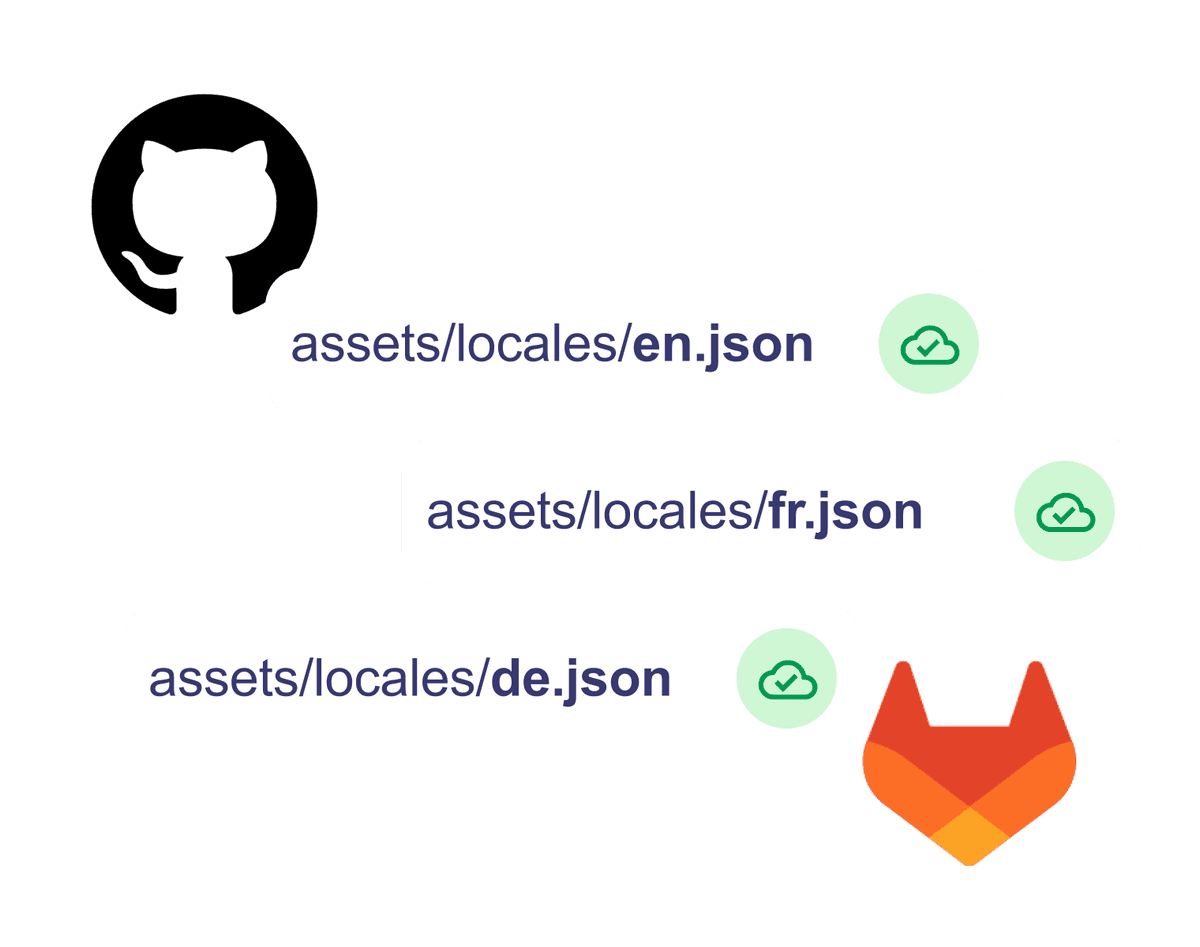
Lokalise treats your repository as an endpoint: export translations out, work on them somewhere else, import them back, deal with merge conflicts. Prismy treats your repository as the source of truth. Translations live in your repo. Changes sync through one clean branch and one pull request, with webhook-triggered content delivery to your CI/CD pipeline. No manual imports. No merge conflicts from out-of-band updates. No wondering which version is current. If you're already using GitHub or GitLab for everything else, your l10n workflow should work the same way.
All Core Features Included. No Enterprise Gatekeeping.
Branching and AI are included in every plan. You shouldn't have to pay extra for the basics.
Lokalise charges $829/mo for a plan that includes Git branching. AI translations are a separate $249/mo add-on. Basic features locked behind enterprise pricing. Prismy includes branching, AI translations, shared memory, the Chrome extension, and automated QA in every plan from day one. The price scales with your usage, not with which features you need.
See pricingMigrate from Lokalise to Prismy in 15 Minutes
Point Prismy at your repo. Your translation files are already there.
No data export from Lokalise. No CSV imports. No migration project. Prismy reads your existing translation files directly from your Git repository. Connect your repo, point Prismy at your i18n files, and you're running. Your glossary and translation history can be imported in a few clicks. If your translations are already in JSON, YAML, gettext, or ICU message format in your repo, Prismy picks them up immediately.
1
Connect your GitHub or GitLab repo
One-click integration. Prismy reads your existing translation files directly.
2
Select your translation files
Point Prismy at your i18n directory. JSON, YAML, gettext, and more are supported out of the box.
3
Start translating
Your team can start editing, generating, and reviewing translations immediately.
Frequently Asked Questions
Prismy is the best Lokalise alternative for developer teams. It's Git-native, includes AI translations powered by Claude and Cursor through an MCP server, and offers shared translation memory that learns from your team's edits. Branching and AI are included in every plan with no add-on fees.
Tolgee is the most popular open source Lokalise alternative. If you want a managed platform with deeper AI integration and Git-native architecture without self-hosting overhead, Prismy offers a stronger developer experience with built-in AI agent support for Claude and Cursor.
Prismy is built specifically for developer workflows. Translations stay in your Git repo as one clean branch and PR. AI agents like Claude and Cursor connect through Prismy's MCP server, translating with full context from your glossary, custom instructions, and shared memory. No manual imports or exports.
Crowdin offers lower starting prices and more built-in integrations than Lokalise. However, neither Crowdin nor Lokalise supports AI agent integration with tools like Claude or Cursor, shared translation memory that evolves from team edits, or a Chrome extension that auto-generates PRs. Prismy covers all three.
Lokalise's published pricing starts around $120/mo for basic plans. Git branching requires the $829/mo plan. AI translations are a separate $249/mo add-on. Prismy includes branching, AI translations, shared memory, and automated QA in every plan starting at a fraction of that cost.
Developer teams increasingly choose Git-native localization tools that fit into their existing CI/CD workflow. Prismy, Crowdin, and Phrase are popular choices. Prismy stands out for its AI agent integration with Claude and Cursor, letting developers translate directly from their coding environment.
For free options, Tolgee (open source, self-hosted) and Weblate are solid choices. Prismy offers a free trial with all features included, so you can evaluate the full platform, including AI translations and Git-native sync, before committing.
The best TMS depends on your team's workflow. For developer-first teams using Git and AI coding tools, Prismy is the strongest option with its MCP server integration, Git-native architecture, and shared translation memory. For enterprise content teams, Phrase or Smartling may fit better.
Yes, Lokalise offers GitHub integration, but it creates separate branches and PRs for each sync, which can result in messy commit histories and merge conflicts. Prismy's GitHub integration maintains one clean branch and one PR, keeping your repository history clean.
Prismy offers the deepest AI translation integration available. Beyond basic machine translation, Prismy connects to Claude and Cursor via an MCP server, applies your team's glossary and custom instructions, and uses shared memory from past edits to improve quality over time. No other localization tool integrates with AI coding agents this way.
Your Translations Deserve a Better Workflow
Get started with Prismy today, or book a demo to see how it fits your team's workflow.

Go global, the simple and powerful way.